
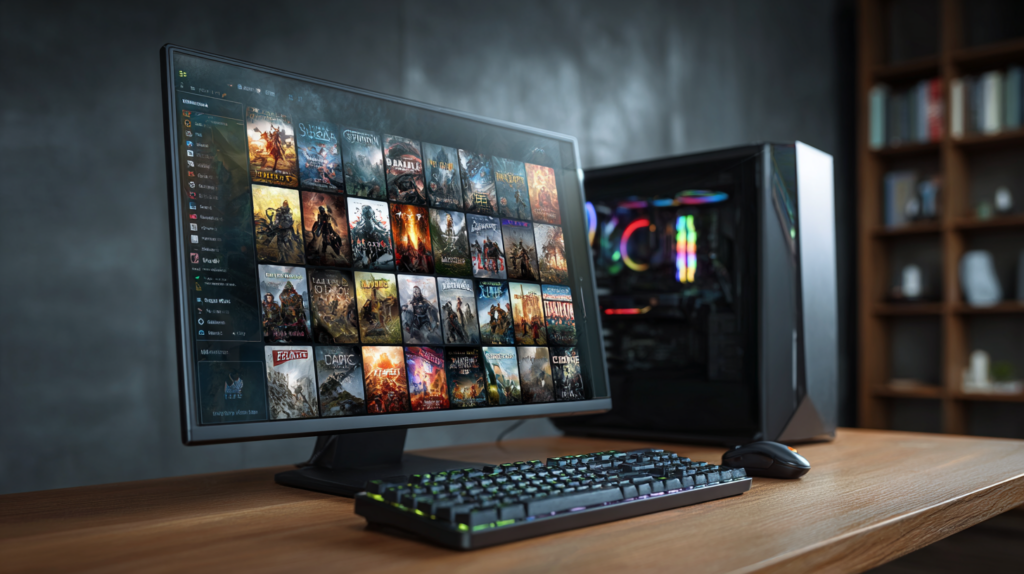
Beginner’s Guide to Steam
If you’re new to PC gaming, one of the first platforms you’ll encounter is Steam. Developed by Valve, Steam is the world’s largest digital distribution platform for PC games, offering access to thousands of titles, community features, and regular discounts. Whether you’re interested in action games, strategy titles, indie gems, or multiplayer experiences, this guide to Steam provides you with an easy way to build and manage your gaming library.
What Is Steam?
Steam is a free digital storefront and game management platform for Windows, macOS, and Linux. Instead of purchasing physical game discs, users can buy, download, install, and update games directly through the Steam application.
Since its launch in 2003, Steam has grown into the leading PC gaming marketplace, hosting everything from blockbuster releases to independent games created by small development teams.
Beyond purchasing games, Steam includes social features such as friends lists, voice chat, achievements, cloud saves, discussion forums, and game streaming.
How to Create a Steam Account
Getting started with Steam is simple. Visit the official Steam website and download the Steam client. Once installed, you’ll be prompted to create a free account using your email address.
After verifying your email, choose a username, create a secure password, and complete the account setup process. Once logged in, you’ll have access to the Steam Store, your personal library, and community features.
For added security, it is highly recommended to enable Steam Guard, Steam’s two-factor authentication system that helps protect your account from unauthorized access.
Understanding the Steam Store
The Steam Store is where you’ll browse and purchase games. The storefront is organized into categories, genres, recommendations, and featured promotions.
Popular sections include:
- New Releases
- Top Sellers
- Free-to-Play Games
- Upcoming Games
- Special Offers
- Indie Games
Each game page includes screenshots, trailers, user reviews, system requirements, and developer information. Before buying a game, always check the minimum and recommended PC specifications to ensure your system can run it properly.
Buying and Downloading Games
Purchasing games on Steam works much like shopping on any online marketplace. Add games to your cart, choose a payment method, and complete the purchase.
Once a game is purchased, it is permanently linked to your Steam account. To install it, simply navigate to your Library, select the game, and click Install.
Steam downloads and installs the game automatically while also handling future updates. This makes game maintenance simple, as you won’t need to manually search for patches or updates.
Building and Managing Your Library
Your Steam Library serves as a central hub for all your games. From the library, you can:
- Launch games
- View achievements
- Track playtime
- Organize collections
- Access downloadable content (DLC)
- Manage installed files
Steam also offers cloud save functionality for many games, allowing you to continue your progress on a different PC without transferring files manually.
Understanding Steam Sales
One of Steam’s biggest attractions is its frequent sales events. Throughout the year, Steam hosts major seasonal promotions where games can be discounted by 25%, 50%, 75%, or even more.
Popular sales include:
- Steam Summer Sale
- Steam Winter Sale
- Autumn Sale
- Spring Sale
Adding games to your Wishlist allows Steam to notify you when prices drop. This is one of the best ways to save money and build a large gaming collection on a budget.
Steam Community Features
Steam is more than just a digital store. The platform includes a wide range of community tools designed to enhance the gaming experience.
Players can:
- Add friends
- Join groups
- Participate in discussions
- Share screenshots
- Earn achievements
- Create reviews
- Broadcast gameplay
Many games also support Steam Workshop, which allows users to download community-created mods, maps, skins, and other content with a single click.
Tips for New Steam Users
To get the most out of Steam, keep these beginner tips in mind:
- Enable Steam Guard security.
- Wait for seasonal sales before purchasing expensive games.
- Read user reviews before buying.
- Check system requirements carefully.
- Use the Wishlist feature to monitor discounts.
- Explore free-to-play games before spending money.
- Take advantage of cloud saves and community resources.
Final Thoughts
Steam remains the most popular platform for PC gaming because it combines a massive game catalog with convenient management tools, social features, and unbeatable sales. Whether you’re buying your first PC game or building a collection of hundreds of titles, Steam makes discovering, purchasing, and playing games easier than ever. For beginners, learning how to navigate Steam is the first step toward enjoying everything the world of PC gaming has to offer.